
Monkeyzino App Login: Sign In Once, Skip the Password Screen After That

Last checked: 11 July 2026
This page contains affiliate links. We may earn a commission at no extra cost to you.
One password entry. That is what logging in through the Monkeyzino app costs you, because after the first sign-in the session persists and the icon on your home screen opens straight into the lobby. On the mobile site you can be asked to sign in again far more often; in the app it becomes a rare event.
This page covers what the app login actually is, how the first sign-in goes, and the handful of situations where the app logs you out despite the persistent session.
Already have the app installed? Then you only need this button once.
Log in to Monkeyzino18+ | Your credentials are entered on the casino's platform only
What "the App" Actually Is
The Monkeyzino app is an installable web app, a PWA. There is no APK file to sideload and nothing to find in Google Play or the App Store; you install it straight from the browser and it gets its own icon, its own window, no address bar. Under the hood it is the same platform as the website, which is precisely why the login story is so simple.
One account everywhere. The email and password you use on the desktop site are the ones you type into the app, and if you registered through Apple or Google, those same buttons appear on the app's login screen too. Balance, bonuses, verification status: all shared, nothing to migrate.
The install itself takes under a minute and lives on our sister site: the Android walkthrough covers the Chrome ⋮ menu route, and the iOS guide covers Safari's "Add to Home Screen". Do that first if you have not yet.
First Sign-In, Step by Step
Install the app
Android: Chrome ⋮ menu, then "Install app". iPhone: Safari Share, then "Add to Home Screen". A Monkeyzino icon appears on your home screen.
Open it and pick "Log in"
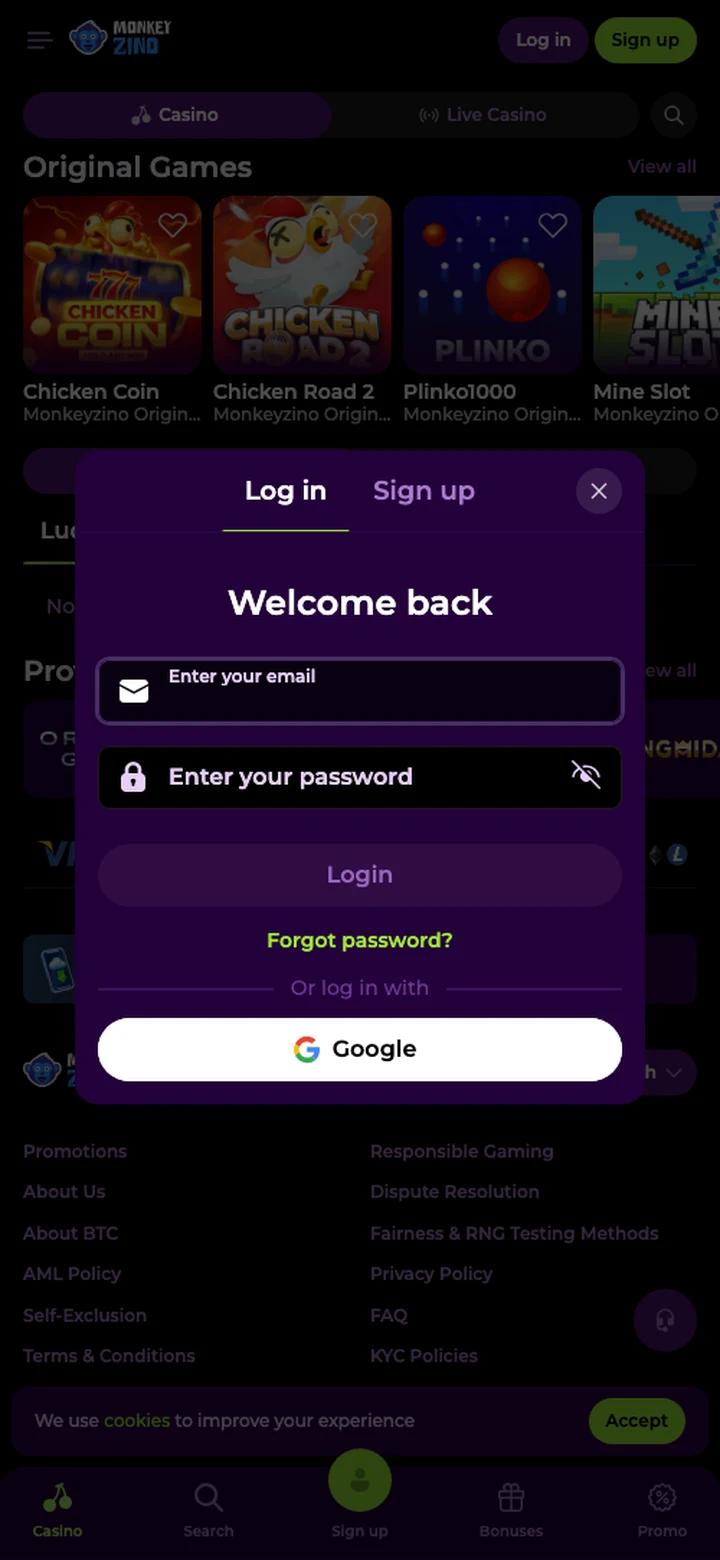
The first launch shows Log in and Sign up, exactly like the website. Choose Log in; the "Welcome back" window opens.
Enter your credentials
Same email and password as on the site, or the Apple or Google button if the account was created that way.
That's it, the session persists
Close the app, restart the phone, come back a week later: the icon opens straight to the lobby with your balance in the header.
Why the Persistent Session Is the Point
Typing a strong password on a phone keyboard is miserable, and miserable passwords get weakened. The app removes that pressure: you authenticate once, properly, and from then on your phone's lock screen does the day-to-day guarding. It also sidesteps the stale-bookmark problem. The casino rotates its access domains from time to time, and a saved browser tab can go dead; the installed app keeps itself pointed at the working address. If you ever do need a fresh link in a browser instead, our mirror page stays current.
When the App Logs You Out Anyway
A persistent session is not an unconditional one. Three account-side settings and states will end it:
| What happened | Why | What to do |
|---|---|---|
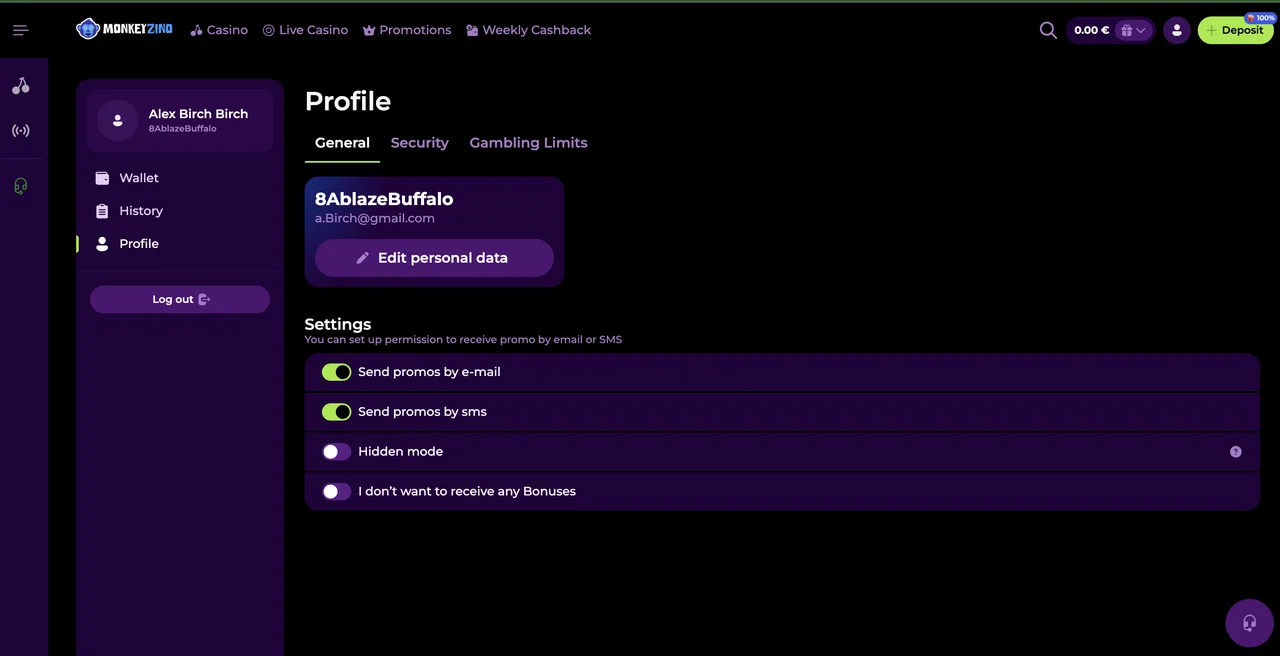
| Logged out mid-session | A session limit set in your account settings; when you hit it, you are automatically logged out | Sign back in, or adjust the limit in your profile |
| Login refused for a period | An active self-exclusion or cooling-off limit blocks login for the time you set | Wait it out; these limits take effect instantly and exist for a reason |
| "Your account is suspended. Please contact the Support for more information." | Suspension set by the casino; no password or reinstall changes it | Contact support, details on our login problems page |
Note what is not on that list: the app itself. If the app opens to a blank screen, freezes or refuses to load at all, that is an install or cache fault rather than a login problem, and the fixes live on the app troubleshooting page.
Security on a Shared Phone
A session that survives restarts is convenience and exposure in equal measure. On your own phone the trade is fine, because the lock screen is effectively your first factor: nobody reaches the lobby without unlocking the device first. Keep a PIN or biometric lock on, always.
On a shared phone, think twice. A family tablet or a device your kids borrow should not carry a logged-in casino session at all. Either log out of the app manually after each session, or better, do not install the app on shared devices in the first place and use the browser there instead. And treat the account layer with the same care: a strong unique password, even though you will rarely type it. If access ever feels off, the homepage walks the whole sign-in flow from scratch.
FAQ
Is there a Monkeyzino APK to download?
No. The Monkeyzino app is an installable web app (PWA), not an APK, and it is not in Google Play or the App Store. On Android you install it from the Chrome menu, on iPhone through Safari's Share menu. Anything offering a Monkeyzino APK file is not official.
Do I need a separate account for the app?
No. The app is the same platform as the website, so it is one account everywhere. Log in with the same email and password, or with Apple or Google if that is how you registered. Balance, bonuses and verification status carry over automatically.
Will the app keep me logged in?
Yes, that is its main advantage. Sign in once and the session persists, so tapping the icon later takes you straight to the lobby, even after the app or the phone restarts.
Why did the app suddenly log me out?
Three common reasons: a session limit set in your account settings automatically logs you out when you hit it; a self-exclusion or cooling-off period blocks login for the time you chose; or the account is suspended, in which case only support can help. Our login problems page maps each message to its fix.
Is it safe to stay signed in on my phone?
On a phone only you unlock, yes: the lock screen acts as your first factor. On a shared device it is not, so log out of the app manually after playing or skip installing it there altogether.
One sign-in, then the icon does the rest. Start from the current official address.
Log in to Monkeyzino18+ | Play responsibly | T&Cs apply