
Monkeyzino Login FAQ: Account Access, Answered

Last checked: 11 July 2026
This page contains affiliate links. We may earn a commission at no extra cost to you.
Fourteen questions, fourteen straight answers. I built this page around the Account category of Monkeyzino's own FAQ and the system messages the site actually shows, so the wording quoted below is the wording you will meet on screen.
Where a topic needs more depth, the answer links to the full guide. And a reminder before we start: this is an independent site. We never ask for your login details.
Just want to sign in? This button routes to the casino's current official address.
Log in to Monkeyzino18+ | Your credentials are entered on the casino's site only
Signing in
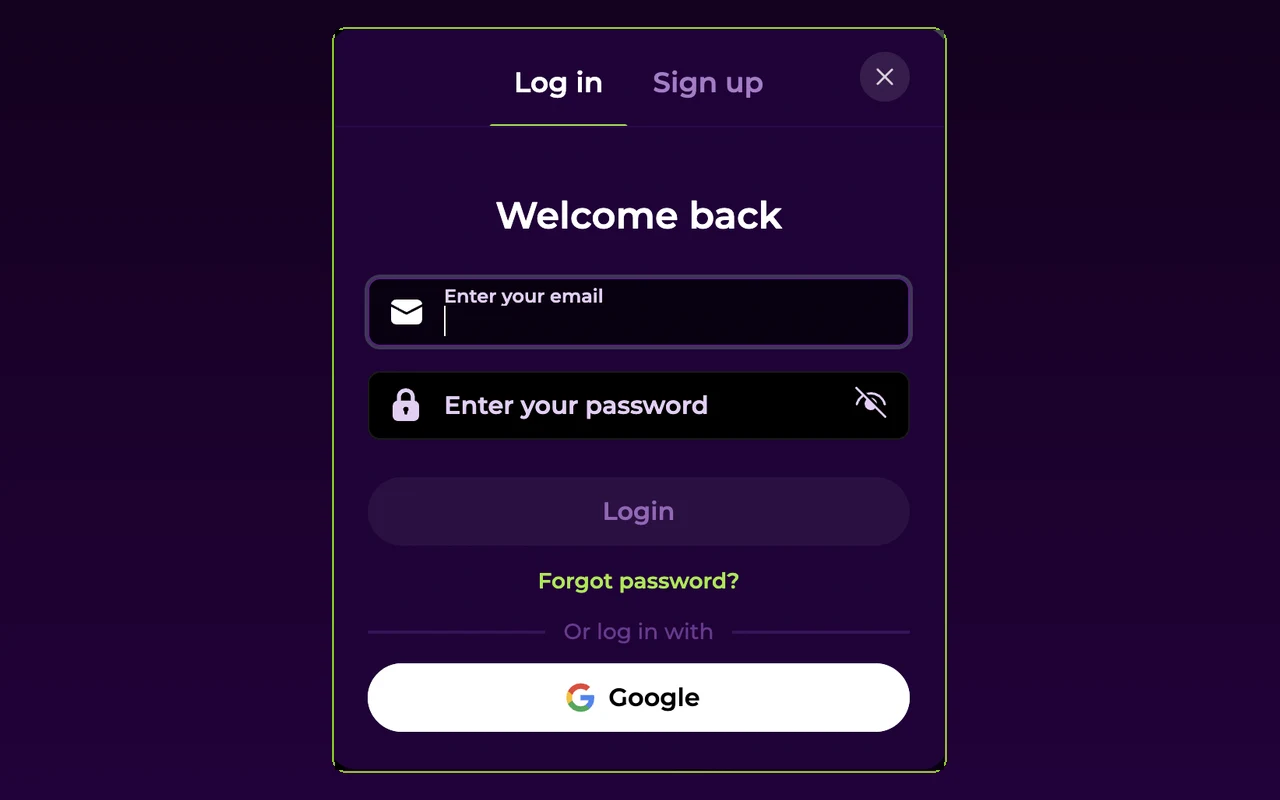
Which details does the Monkeyzino login form ask for?
Two fields: the email you registered with and your password. Accounts created through Apple or Google have no password at all; the matching button in the "Welcome back" window is the only way in for them.
Can I sign in with Apple or Google?
Yes, if the account was created that way. The login window shows "Or log in with" beneath the password field, with Apple and Google buttons. The catch: you must use the same method you signed up with. An account registered by email cannot suddenly switch to Google sign-in. Our registration guide explains which option to pick when you first create the account.
How do I stay signed in between visits?
In a normal browser session you stay signed in until you log out, clear cookies or hit a session limit you set yourself. The installable web app handles this better: sign in once and it keeps the session, so you rarely see the password screen again. Details are on the app login page. On shared or public devices, log out manually every time.
What happens after several wrong passwords?
After repeated failures the site steps in with its own prompt: "Wrong password again. Do you want to reset your password?" Keep guessing and you hit a temporary block: "Too many login attempts. Please try again in" followed by a wait time. Stop there and request a reset link instead. Every lockout message and its fix is mapped on our login problems page.
Recovery & changes
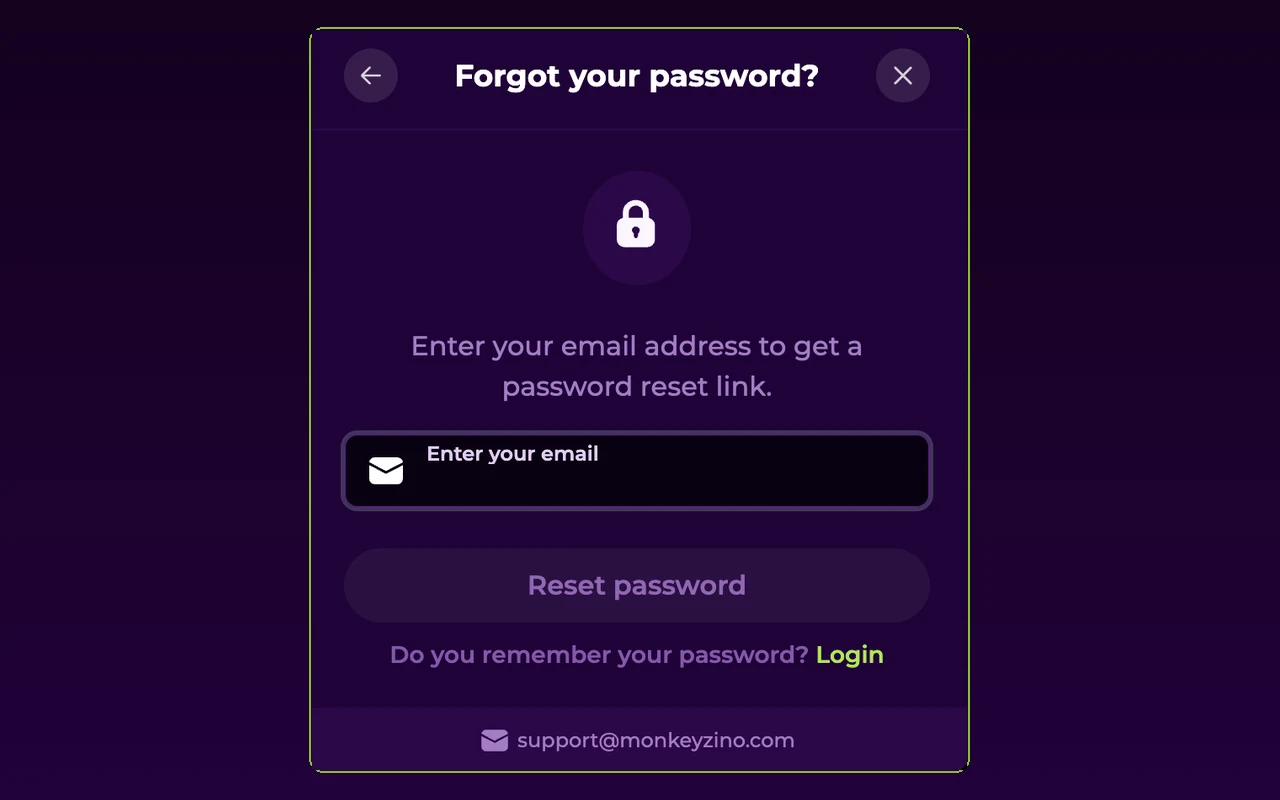
I forgot my password. How do I reset it?
Click "Forgot password" in the login window and enter your email. The confirmation reads: "We have sent you a password reset link to your email address." Open the link and set a new password, which must be different from previously used passwords. The link can expire, so use it promptly. If nothing arrives, our password recovery guide covers spam folders and resends.
How do I change my password while logged in?
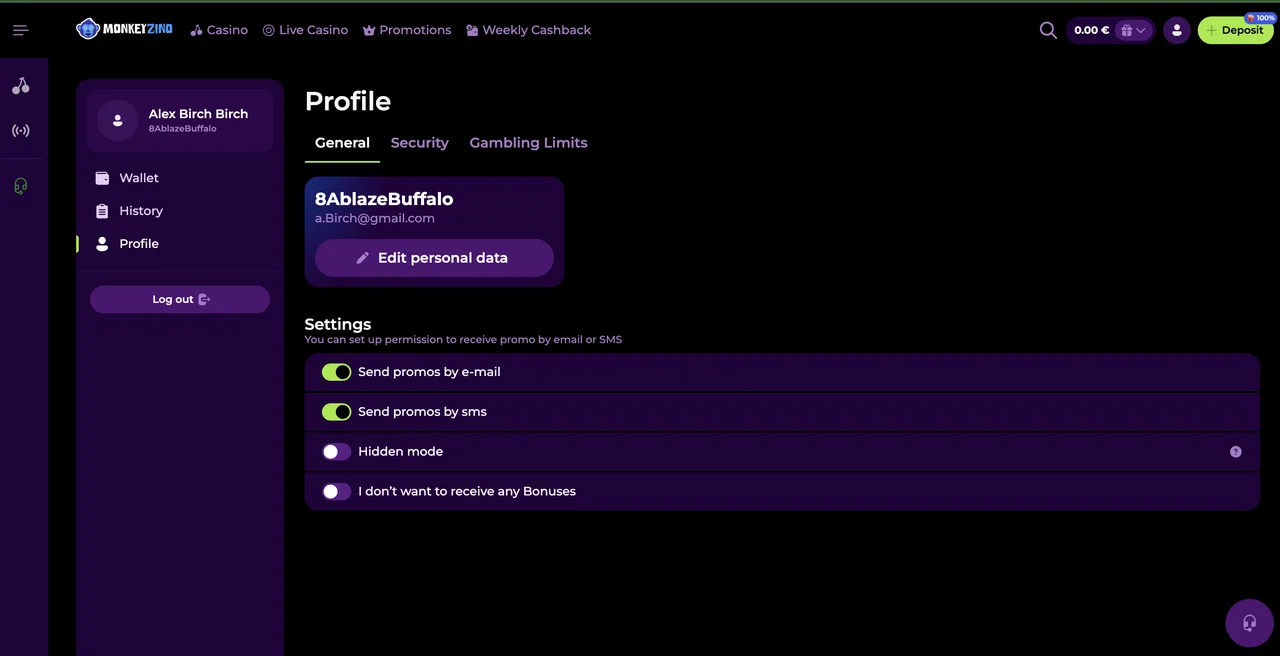
In your profile, under "Password change". Enter the old password, the new one, and a confirmation. The rule is enforced on screen: "Must be 8+ chars with 1 number, 1 small and 1 capital letter", and the new password cannot match the old one. Success is confirmed with "Your password was successfully changed!" You will need the new password at your next login.
Can I change the email on my account?
Partly. An unverified email can be edited in profile settings, with a limit the site states plainly: "Your email can only be changed up to 3 times a day". After verification the address locks; the warning reads "You won't be able to change your email after verification". If your field is already locked, contact support in the live chat. That is the official route for verified details.
Can I change my phone number?
Same logic as email. You can add or edit a phone number in your profile until you verify it, then it is fixed; the system message is "Cannot change verified phone number". If the old number is gone and you need it swapped, support is the only way, and they may ask for ID. Our verification guide lists the documents they accept.
Restrictions
Why does it say my account is suspended?
The exact message is "Your account is suspended. Please contact the Support for more information." No password reset fixes this; the block sits on the casino's side. A second variant asks you to complete the verification process, which means uploading documents lifts it. Either way, your first stop is the 24/7 support chat. The login problems page lists the common triggers.
Can I log in during self-exclusion?
No, that is the whole point of the feature. The block message reads: "You have reached your self-exclusion limit. Please contact Support to access your account." The casino warns that the decision is final and non-reversible, so withdraw your balance before setting one. A cooling-off limit blocks play the same way for its set period. Set it by accident? Only support can discuss it.
Why was I logged out in the middle of a session?
Two usual causes. A session limit is the first: the casino's own text says that when you hit it, "you will be automatically logged out of your account". The second is a domain switch. Monkeyzino rotates its access addresses, and an old tab can drop the session. Our mirror page shows how to reach the current one.
Account & data
How do I close my Monkeyzino account?
Through support, as the casino's own FAQ states. The profile has an "Account Closure" tab and its text is one line: "If you wish to close your account, please contact Support." Withdraw any remaining balance first. If what you actually want is a break rather than a permanent exit, a cooling-off or self-exclusion limit does that without giving up the account.
Can I have my personal data deleted?
Yes. Data deletion is a listed topic in the official FAQ, and the route is a request to support. Keep expectations realistic: a licensed casino retains some records, verification documents included, for legal retention periods, so deletion is rarely instant or total. Support will confirm what goes and when. The privacy policy on the casino's site sets out the retention rules.
I moved to another country. What about my account?
Changing your registered country is covered in the official FAQ, and the answer is: through support, not a profile toggle. The country on the account matters for payments, since withdrawal is only possible to a bank account from the country specified in your profile. Moving without updating it can stall payouts and trigger fresh document checks, which our verification guide walks through.
Does Monkeyzino have two-factor authentication?
Yes. In profile security settings you can link Google Authenticator and the login then asks for a one-time code after the password. The platform warns that disabling it lowers account protection, so once it is on, leave it on. If you lose the authenticator device, support has to unlink it for you.
Can I create a second Monkeyzino account?
No. The casino enforces one account per person; trying to register again trips the duplicate check and shows "it looks like you have another account". Bonuses on duplicates are voided under the terms, and both accounts risk suspension, so if you lost access to your original account, recover it instead of re-registering.
Question answered? Then the login itself is the easy part.
Log in to Monkeyzino18+ | Play responsibly | T&Cs apply